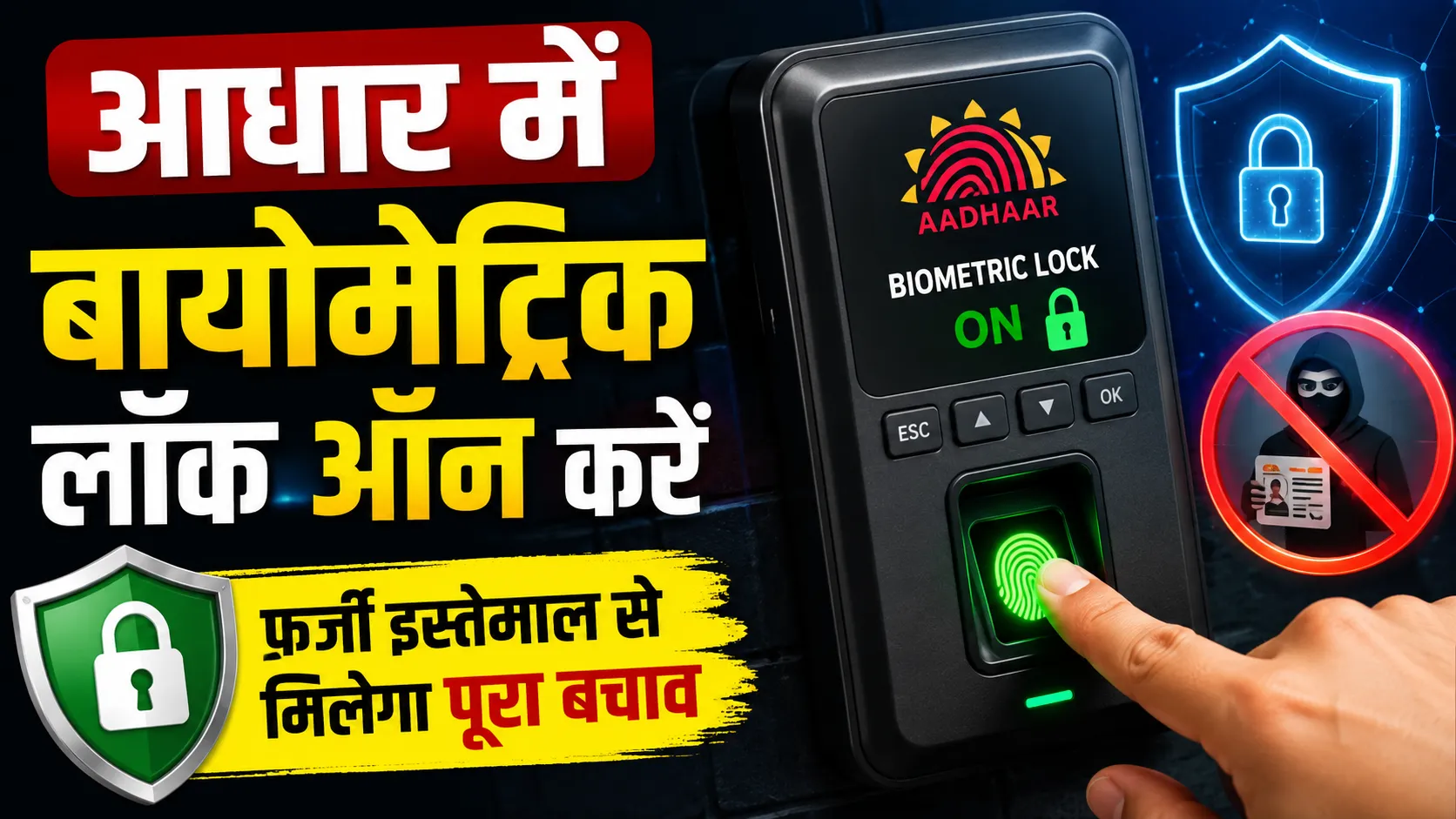
To prevent Aadhaar card fraud, the government has introduced a biometric lock feature. This allows you to lock your fingerprint, iris, and face data, preventing unauthorized verification.
The Aadhaar biometric lock feature locks fingerprint, iris, and face data.
This facility was introduced by the government to prevent fraud.
This feature has been used more than 1.91 crore times so far.
Biometrics can be easily locked and unlocked through the Aadhaar app.
In view of the increasing cases of fraud related to Aadhaar cards, the government has introduced an important security feature called Biometric Lock. This feature allows users to temporarily lock their fingerprint, iris, and face recognition, making their information more secure than ever.
What is Aadhaar Biometric Lock?
Aadhaar Biometric Lock is a facility that empowers Aadhaar cardholders to lock their biometric data. Once locked, no one can use these biometric details for Aadhaar verification.
Whenever verification is needed, users can easily unlock it. This process ensures that no one can misuse your Aadhaar without your permission.
Why is Biometric Lock Important?
According to the Ministry of Electronics and Information Technology (MeitY), people are increasingly using this security feature. As per the data, it has been used more than 1.91 crore times so far.
This feature especially helps in preventing online fraud and identity theft as it makes unauthorized biometric verification impossible.
Who can use this facility?
It is important to note that this facility is available only to those Aadhaar holders whose mobile number is registered with Aadhaar.
If someone tries to perform verification using your locked biometrics, the system will show a '330' error code. This simply means that the biometric information is currently locked and the verification has failed.
Click on this option and confirm to lock your biometrics. When you need to use them again, follow the same process to unlock.
Also possible from the Security Section
Another way to use this feature is through the app's Security section. After signing into the app, go to the 'Security' tab on the home screen.
There, select the 'Biometric Lock/Unlock' option and lock it by confirming. It can also be unlocked from here when needed.
Growing Popularity of the Aadhaar App
The Ministry of Electronics and Information Technology (MeitY) stated in a press release on July 18 that the popularity of the Aadhaar app is continuously increasing.
According to the ministry, the app has been downloaded more than four crore times so far. This is an indication that people are becoming more aware of the security of their Aadhaar and related information.

 जोगेन्द्र सिंह शेखावत