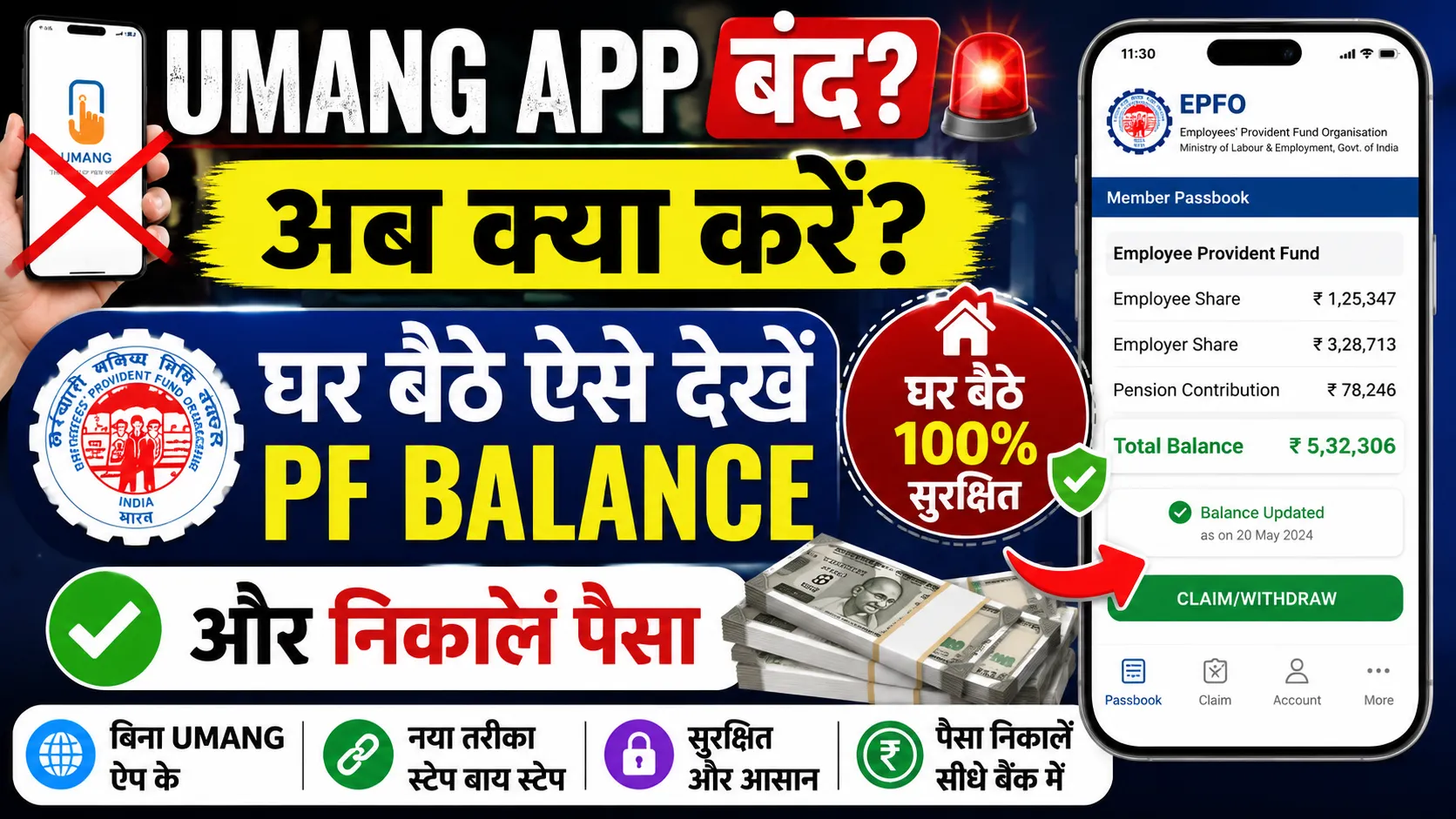
The central government's Umang App provides several important services of the EPFO. However, recently, many users have been facing technical issues on this app.
According to reports, some people are having difficulty opening their EPF passbooks, while many other users are unable to view their claim status or use other online services.
If you are also facing these problems on the Umang app, there is no need to worry. You can directly use the official EPFO portal to avail its services. From here, you can not only view your passbook but also easily complete the online PF withdrawal (PF Claim) process.
How to View Passbook on the EPFO Portal? (Step-by-Step)
Viewing your passbook from the official EPFO portal is very easy. Follow the steps given below:
Step 1: Visit the Official Website
First, open the official EPFO website in your browser.
Now, enter your UAN number, password, and the captcha code shown on the screen to log in.
Step 4: View Passbook
After logging in, you will see a list of all your EPF accounts. Click on the Member ID for which you want to view the passbook. Now, the complete details of your account, such as the deposited amount, employee and employer contributions, and interest, will be on your screen.
How to Withdraw PF Money Online? (Step-by-Step)
If you want to withdraw money from your PF account, you can also do this process online through the EPFO portal.
Step 1: Log in to the Member e-Sewa Portal
Go to the EPFO's Member e-Sewa website and log in with your UAN and password.
After logging in, go to the 'Online Services' menu and select the 'Claim (Form-31, 19, 10C & 10D)' option.
Step 3: Verify Bank Account
Here you will need to enter your bank account number and verify it.
Step 4: Proceed for Online Claim
After the bank verification is complete, click on 'Proceed for Online Claim'.
Step 5: Submit the Application
Now, choose the type of claim according to your needs, fill in all the necessary information, and submit the application. If Aadhaar-based OTP verification is required, complete the process by entering the OTP received on your registered mobile number.
Keep These Things in Mind Before Making an Online Claim
Before making an online PF claim, it is important to ensure a few things so that your process goes smoothly.
Your UAN must be active.
Your Aadhaar, PAN, and bank account must be linked and verified with your UAN.
Your KYC process must be complete.
Upon fulfilling all these conditions, you can easily make an online claim. You can also track the status of your claim online on the same portal.

 जोगेन्द्र सिंह शेखावत