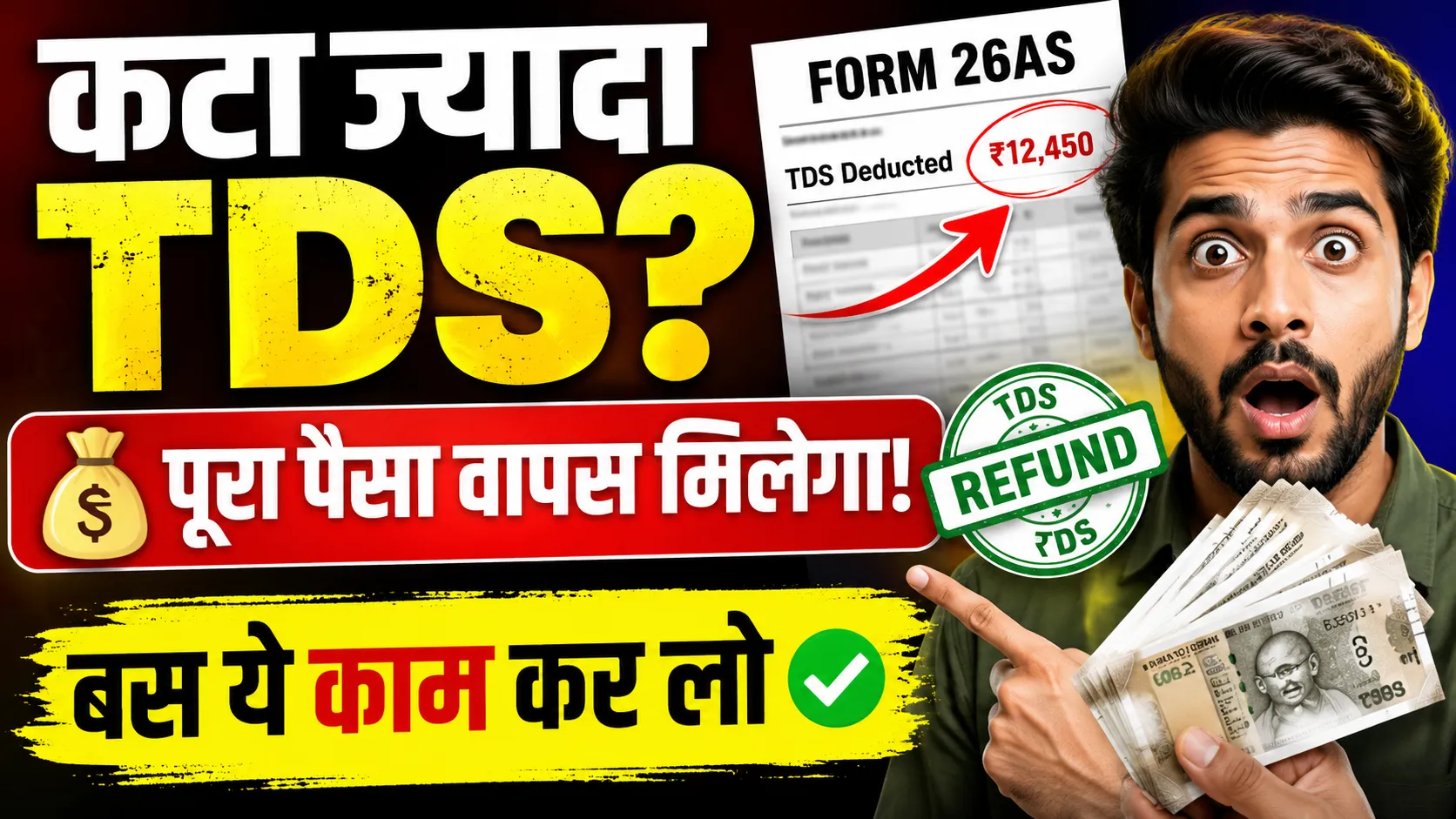
Filing an Income Tax Return (ITR) is mandatory to claim a TDS refund.
The main reasons for refund failure are PAN-Aadhaar not being linked or the bank account not being pre-validated.
Checking Form 26AS, correct ITR filing, and e-verification are essential for the refund process.
You can easily check your refund status by logging into the Income Tax portal.
New Delhi |
If excess Tax Deducted at Source (TDS) has been deducted from your salary, bank interest, or any other income, you can easily get it back. For this, you just need to file your Income Tax Return (ITR). The Income Tax Department processes your claim and sends the refund directly to your bank account.
If your total income is below the basic exemption limit and no tax is payable, you can still claim a full refund of the deducted TDS.
TDS is deducted on income like salary, dividends, bank interest, professional fees, commission, and online gaming. In all these cases, the payment is received after tax deduction.
Main Reasons for TDS Refund Failure
Sometimes, the refund gets stuck even after filing the ITR. There are some common reasons for this that must be avoided.
The most common mistake is not linking PAN and Aadhaar. The government has made this mandatory.
Additionally, the bank account in which you want the refund must be pre-validated on the Income Tax portal.
The refund can also fail if the bank account information does not match your PAN records or if the IFSC code is incorrect. Also, ensure that the provided bank account is active.
How to Avoid Mistakes?
To avoid these problems, update and validate your bank details on the portal before filing the ITR. Also, check the status of your PAN-Aadhaar linking.
The Complete Process to Claim TDS Refund
The process of claiming a refund is straightforward and can be divided into three main steps.
First, check your Form 26AS on the Income Tax portal. It contains detailed information of all TDS deducted against your PAN.
Step 2: File ITR
File your ITR with the correct information of all your income. Make sure to match the TDS details with Form 26AS. The system will automatically calculate your refund.
It is crucial to ensure that all information provided in the ITR, especially bank details, is completely accurate.
Step 3: E-verify the ITR
E-verification of the ITR within 30 days of filing is the most crucial step. Without it, your ITR is not considered valid, and the refund is not processed. You can do this easily via Aadhaar OTP.
How to Check Your TDS Refund Status?
After e-verification, the refund usually comes to your bank account within 4 to 5 weeks.
To check the status, log in to the Income Tax e-filing portal. In the 'e-File' section, click on 'Income Tax Returns' and then select 'View Filed Returns'.
Here, you can see the processing history of your refund by selecting the relevant assessment year.
By following this entire process correctly and avoiding common mistakes, you can ensure that your TDS refund arrives in your account on time and without any hassle.

 जोगेन्द्र सिंह शेखावत